Posts
Create announcements with text, an image, and attachments that get notified to employees and can be viewed from the mobile app.
Optional module
Posts is an optional, free module. If it isn't active on your account, enable it from Modules and integrations.
Posts let you create announcements —with formatted text, a header image, and file attachments— that get notified to employees and can be viewed from the MyChronos mobile app. It's useful for sharing general announcements, company events, one-off schedule changes, or any information you want to reach the whole team or a specific group.
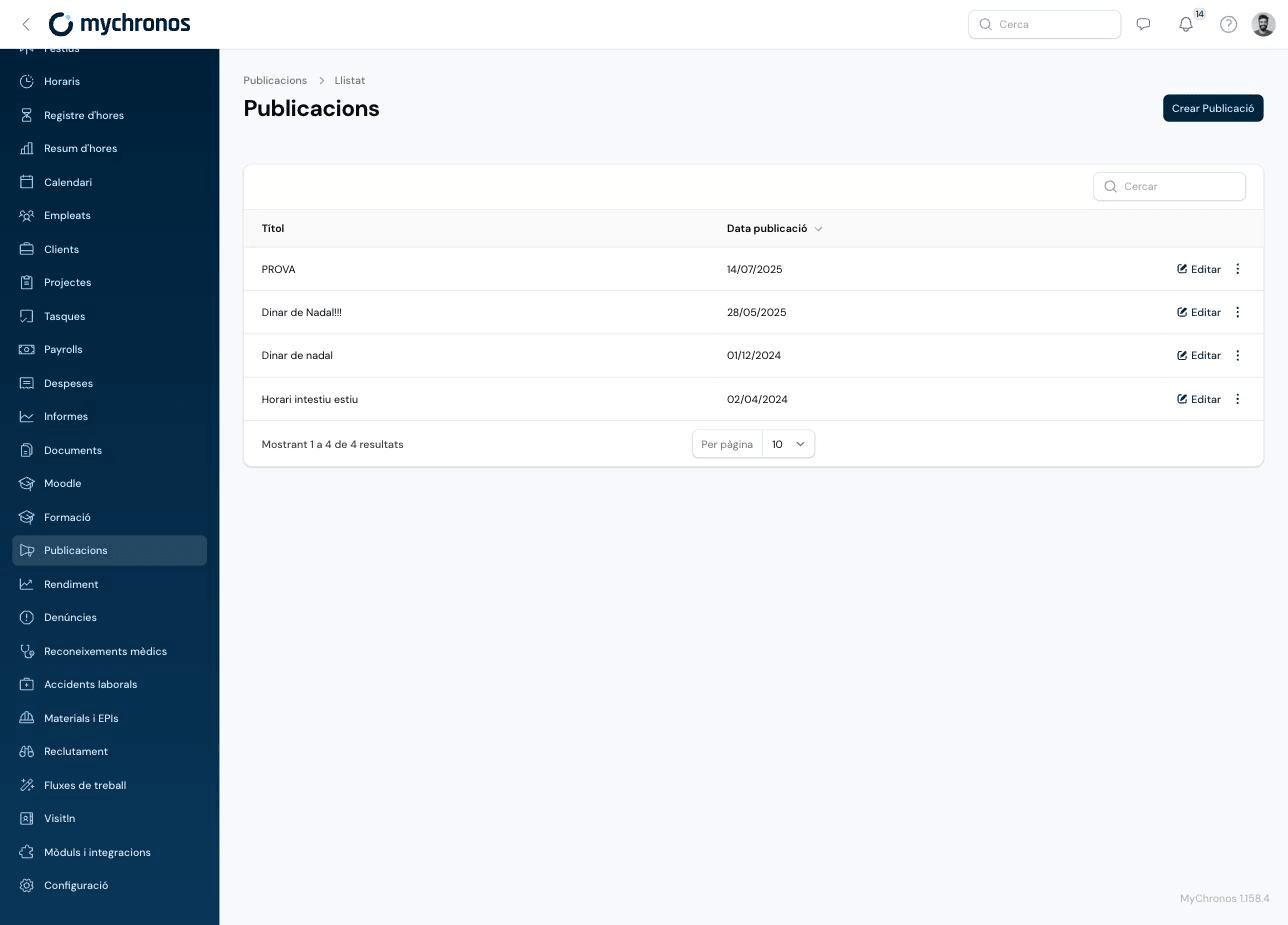
Go to /panel/posts to manage them.
Creating a post
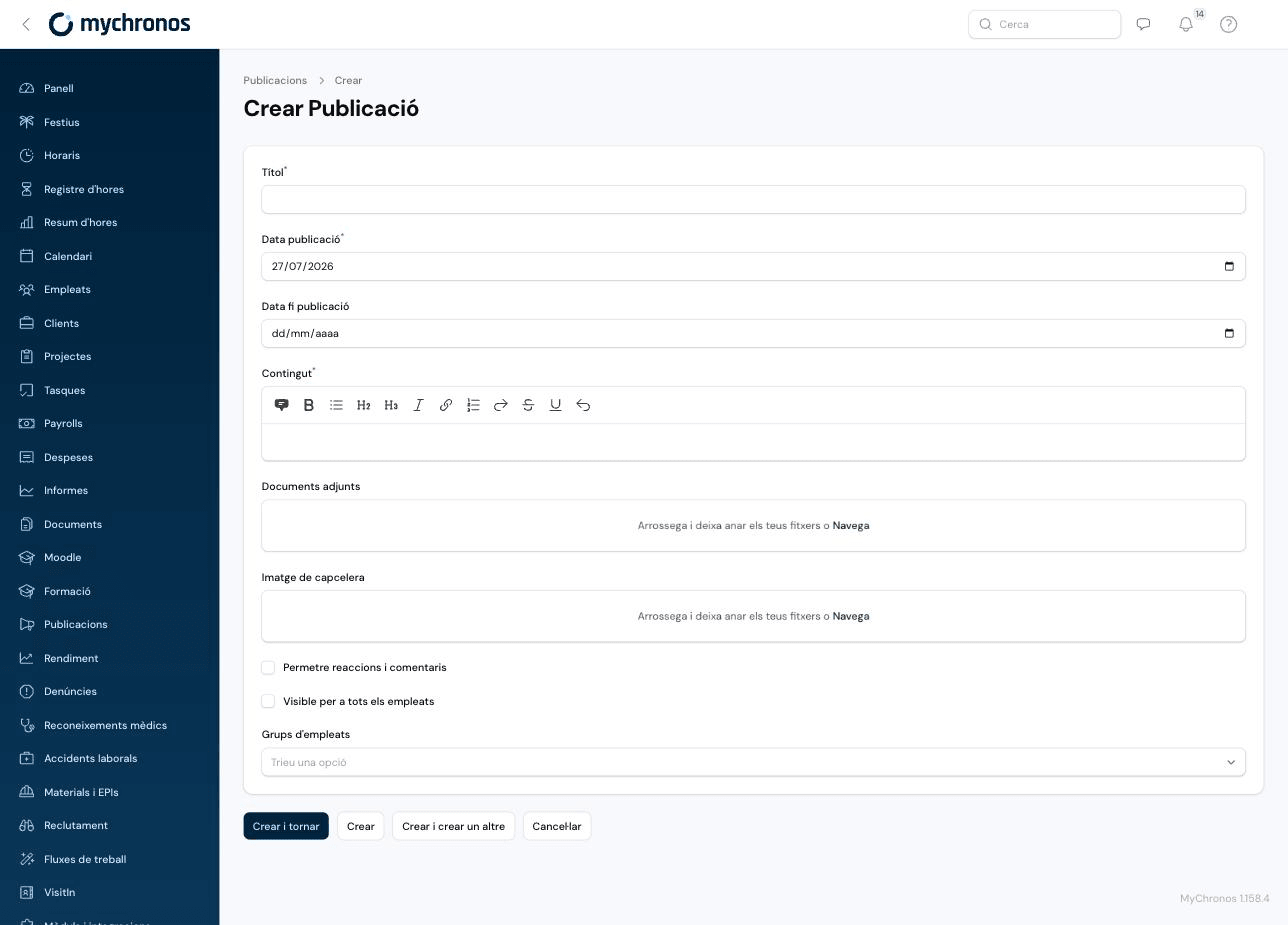
Click Create Post.
Write the title and content
Enter a Title and write the Content using the rich text editor (bold, italic, underline, headings, lists, quotes, and links).
Set when it's published
The Published on date is required and defaults to today — the post won't be visible to employees before that date. The Published until date is optional; if set, the post stops being visible from that day onward.
Add an image and attachments (optional)
You can upload a Header image that will be featured on the post, and Attachments (multiple files) that employees can download.
Choose who can see it
Enable Visible to all employees to reach the whole workforce, or leave it off and select one or more Employee groups to target it to.
Decide whether it allows reactions and comments
Enable Allow reactions and comments if you want employees to be able to react to or comment on the post from the app.
Notifications
About 30 seconds after creating a post, MyChronos automatically notifies all recipient employees (based on Visible to all employees or the selected Employee groups), who can then view it from their mobile app.
If you need to notify employees again —for example, because someone missed it or you want to remind them— click the actions menu (⋮) on the post's row and select Notify again.
Editing a post doesn't re-notify it
Changing the content, dates, or recipients of an already created post doesn't send a new notification. Use Notify again if you want to explicitly notify recipients again.